- DATE:
- AUTHOR:
- The Scribe team
Bring Scribe into your AI tools with Scribe MCP
What’s new
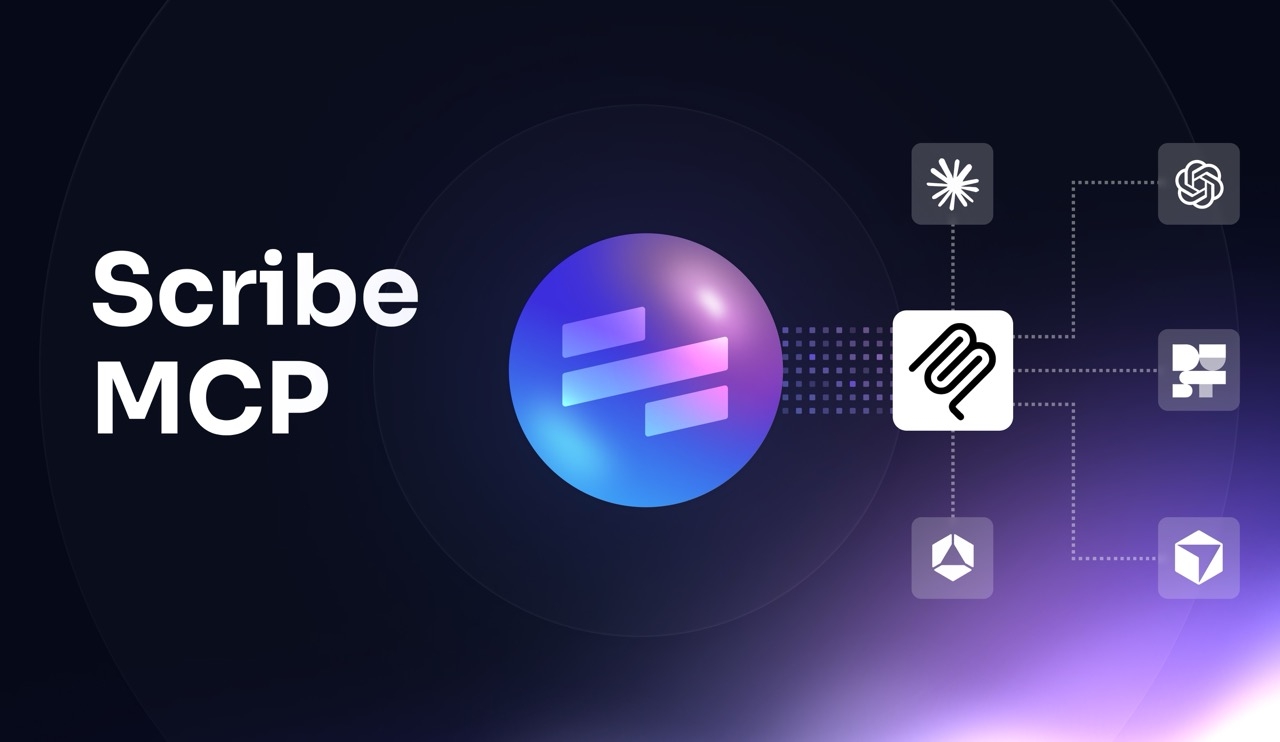
Scribe MCP is now available for eligible Scribe customers. It gives supported AI tools, like Claude, Cursor, and Glean, a standard way to connect to Scribe, so teams can use Scribe’s workflow context in those tools without building a separate integration for each one.
For Scribe Capture customers, that means faster access to guides and documentation inside AI tools. For Scribe Optimize customers, that means access to workflow context and improvement opportunities inside the tools they already use.
How it works
Scribe MCP is enabled by default for eligible customers and provides read-only access through one shared connection layer. A System Admin can manage it in Developer Access, while users complete setup in the MCP-compatible AI tool they are using. Authentication, permissions, and access controls stay centralized in Scribe.
To learn more, visit our Help Center.
FAQ
What is MCP?
MCP, short for Model Context Protocol, is an open standard that lets AI tools connect to outside systems through a consistent, and easy to use, interface.
Can teams use Scribe MCP with custom agents?
Yes. More technical users can connect Scribe to custom agents, though that may require extra setup.
Who can use Scribe MCP?
Scribe MCP is enabled for Enterprise Grid and Global customers on Capture, and all Optimize customers. Your Customer Success Manager can tell you more about upgrading.