- DATE:
- AUTHOR:
- The Scribe team
Ground every agent answer in your business by adding context
What's new?
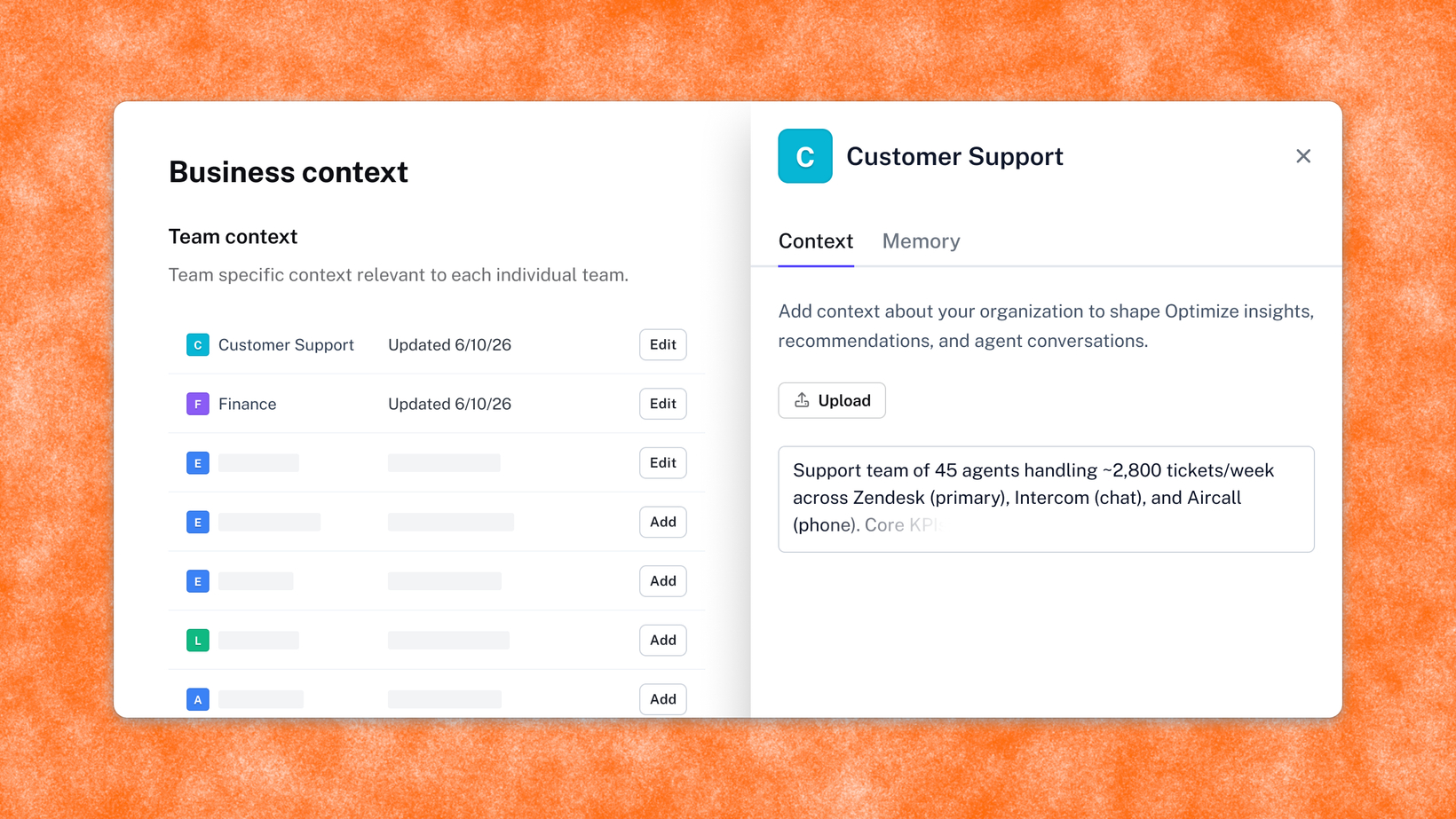
Optimize Admins can now add business context in Settings or through agent chat, making every AI chat deeply relevant to your org's goals, tools, and teams.
How does it work?
Org or Team Admins add context in Settings, either by uploading a document or typing it in directly: industry, priorities, tool stack, decision-makers, whatever's relevant. Once saved, it's applied automatically to every future agent conversation, and you can update it any time.
You can also update your business context conversationally, right in agent chat. Just tell Optimize what's changed and it updates your context on the spot, no trip to Settings required.
FAQs
What is Business Context and who can set it? It's org or team-level background (goals, tools, teams) that Org or Team Admins add once in Settings.
If my team sets its own Business Context, does it override the company-wide context? No. Team-level context layers on top of company-wide context; it doesn't replace it.
Does Business Context apply retroactively to past conversations? Only to new conversations after the context has been added.