- DATE:
- AUTHOR:
- The Scribe team
Approval workflows are now customizable
What's new?
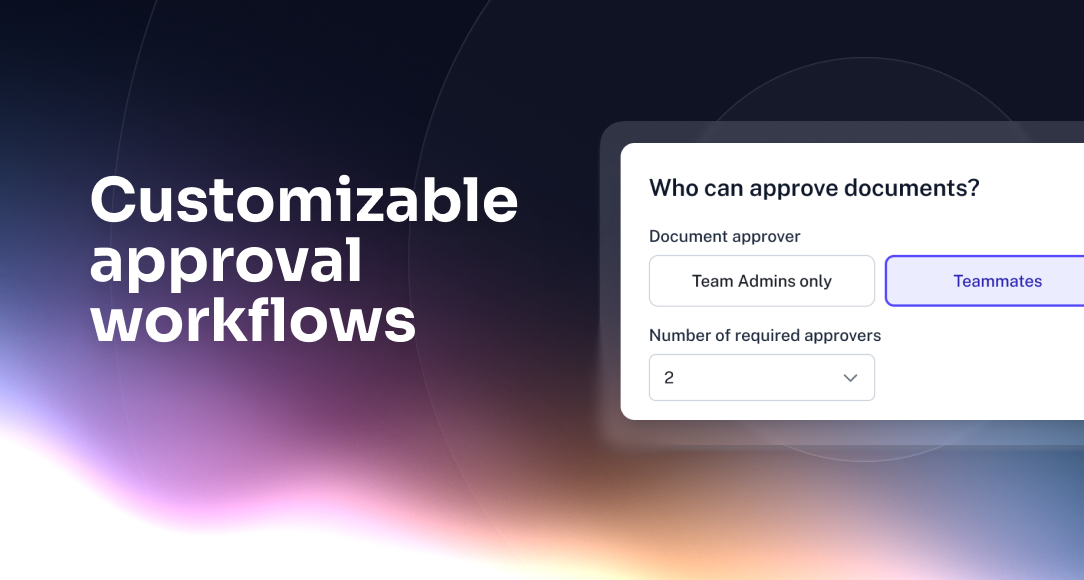
Scribe’s approval workflows now support new options for document review, so teams can involve subject matter experts and set up approvals in a way that fits how their teams actually work. Teams can also set clearer approval requirements, including a minimum number of teammate approvals when teammate-based review is enabled.
How does it work?
System Admins can enable Document Approval in Organization Settings, then choose whether documents are approved by Team Admins only or by Teammates.
Here is how document approval works:
Team Admins: A Team Admin must approve before a document can be published.
Teammates: Teammates can review documents, and admins can set how many approvals are needed before publishing.
FAQ
Which Scribe customers can use Approval Workflows?
Approval workflows are available to Enterprise customers on Core, Hub, and Grid modules. To upgrade your module, please contact your Customer Success Manager.
How do I turn on approval workflows?
A System Admin must enable the Document Approval feature in the Organization Settings tab. Approval workflows are off by default and must be enabled in Organization Settings by a System Admin.
Can I choose who approves documents for my team?
Yes. Admins can choose whether approvals are handled by Team Admins only or by teammates.
Can creators still add teammate reviewers when Team Admins only is selected?
Yes. Teammate reviewers can be added optionally, but Team Admin approval is still required to publish.
Which Scribe customers can use Approval Workflows?
Approval workflows are available to Enterprise customers on Core, Hub, and Grid modules. To upgrade your module and unlock approval workflows, please contact your Customer Success Manager.