- DATE:
- AUTHOR:
- The Scribe team
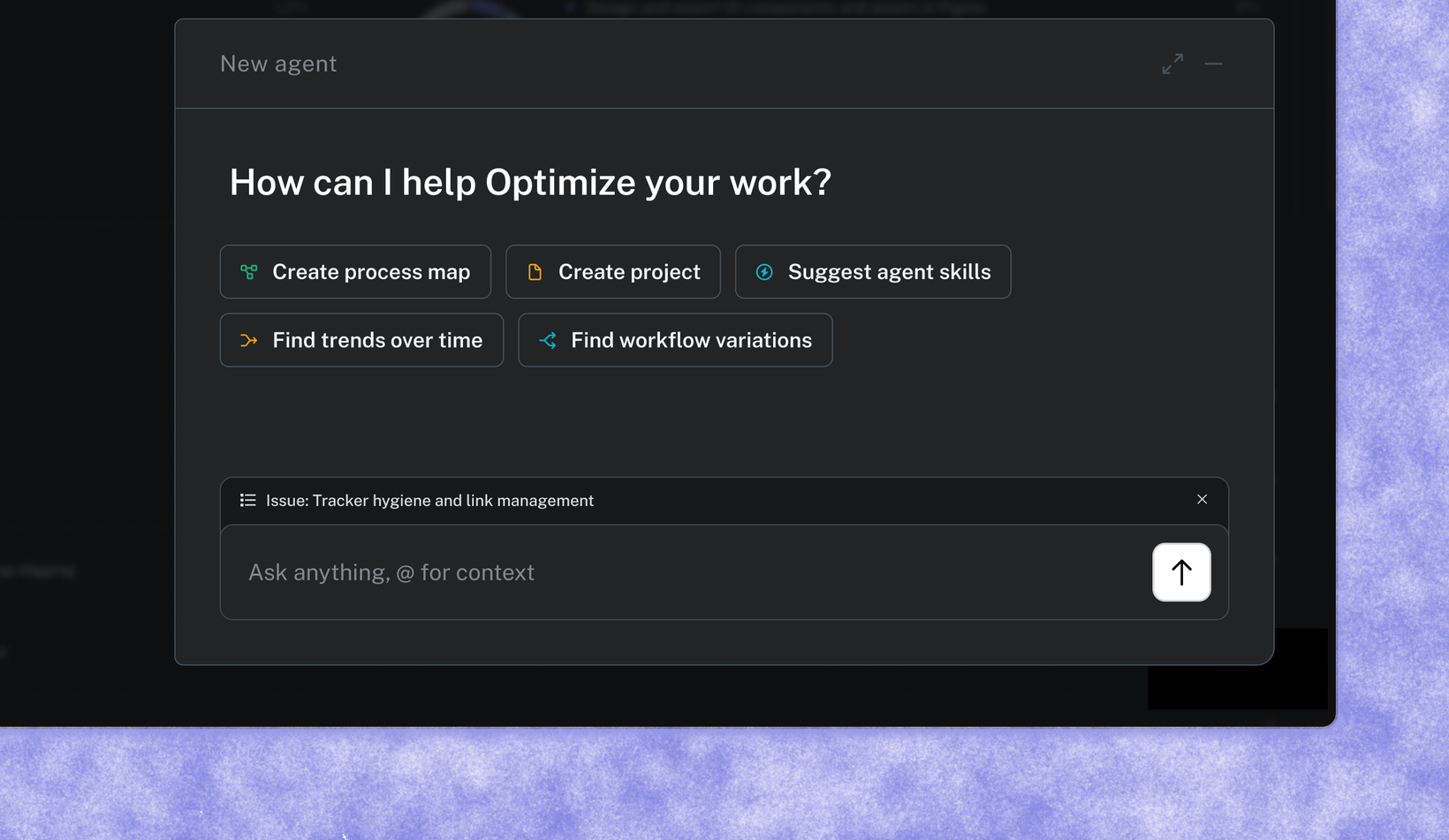
More context for every agent chat, automatically or by tag
What's new?
Two enhancements to the Optimize agent make sure every answer is grounded in how your business actually works. The agent is now accessible from anywhere in Optimize, and it applies the context of what you're looking at to answer. You can also tag teams, tools, or issues directly in a question, giving the agent even more to find the best possible answer to any question you have.
How does it work?
Open the agent from anywhere in Optimize, no need to navigate to a specific page first. Suggested prompts adjust automatically based on where you are, and the agent already knows the context before you start typing.
To point it at something specific in your chat, type "@" and tag an app, workflow, issue, or team. Ask things like “Where are we wasting time in our @Sales process?” or “Where is @Customer Success being inefficient in @Zendesk?” Add as many tags as you need in a single prompt to narrow in to the best solution.
FAQs
Do I need to set anything up to use the agent? No. Agent chat is available from anywhere in the app automatically.
What can I @ mention in a chat? Apps, workflows, issues, or teams. You can tag more than one in a single question to narrow the agent's focus.
Is this available on all plans? Available to all Optimize customers.