- DATE:
- AUTHOR:
- The Scribe team
Keep every Scribe on brand, at scale
What’s new?
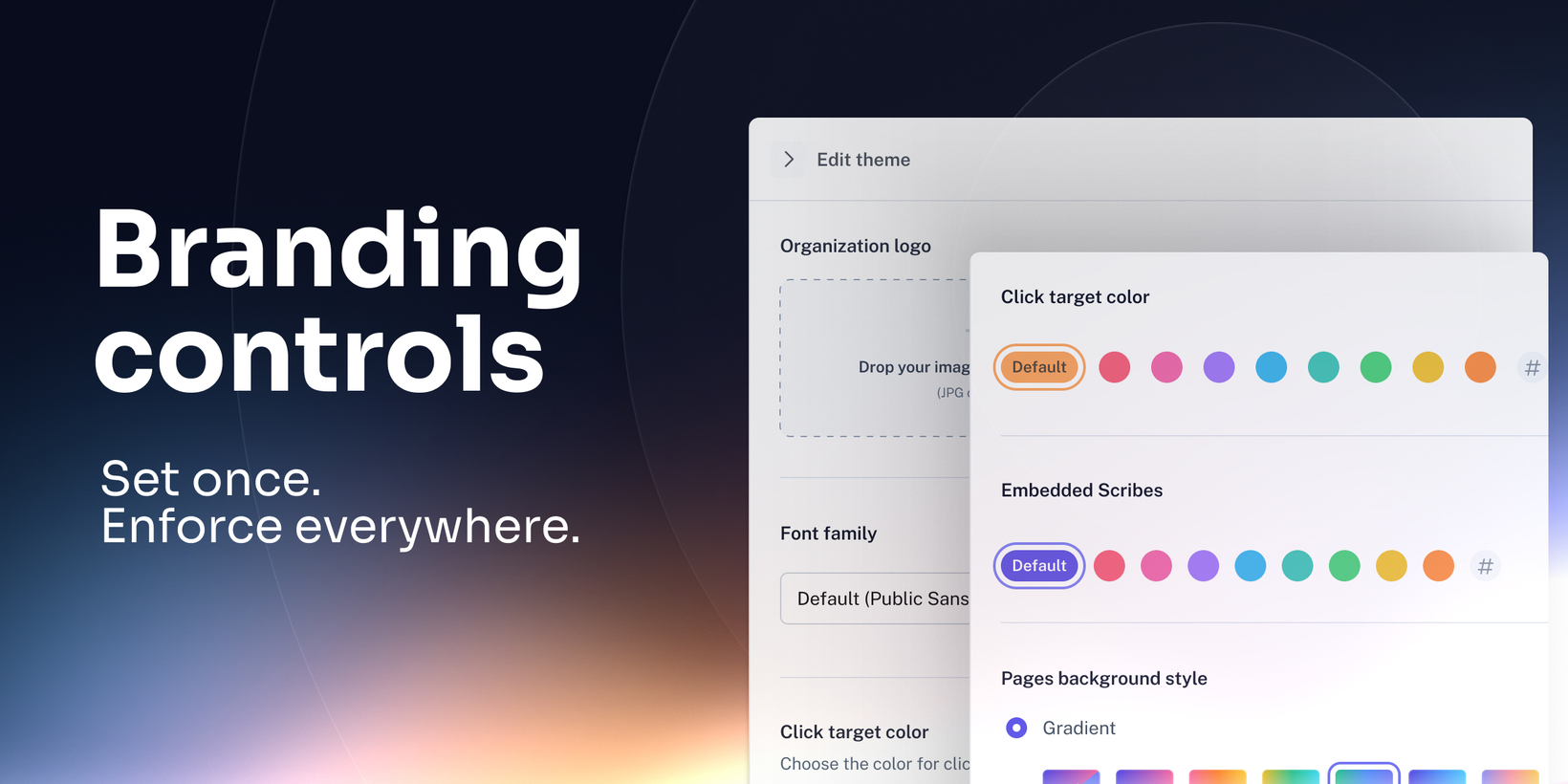
Branding Controls gives Enterprise admins a central place to set and enforce org-wide branding, so every Scribe your team publishes stays on-brand automatically.
How does it work?
A new Branding Controls section is now available in Organization Settings. From this page, a System Admin can enable the feature, then set the org theme (logo, colors, and font) and choose whether team admins can customize branding or if the standard is enforced for everyone.
When you save for the first time, the org theme is applied retroactively to all published Scribes and Pages in the organization, overwriting existing custom styles.
Visit Scribe’s Help Center for more information.
FAQs
Who is this for?
Enterprise organizations that need brand consistency across documentation, plus teams publishing customer-facing docs, training, and SOPs.
What happens if we want to change the theme later?
A system admin can update the org theme in the same Branding section. The changes apply across published Scribes and Pages. If needed, the admin can revert org-wide with a single click.
Which Enterprise plans support Branding Controls?
Enterprise Base, Core, Hub, Grid, Global: org-wide logo, colors, font, retroactive apply, and one-click revert
Enterprise Grid and Global only: optional team-level customization for team-wide branding (if enabled)
What branding is available on Pro plans?
Pro: you can add a unique logo and define click target colors on each published Scribe
Pro does not include: org-wide branding defaults, retroactive apply, or one-click revert