- DATE:
- AUTHOR:
- The Scribe team
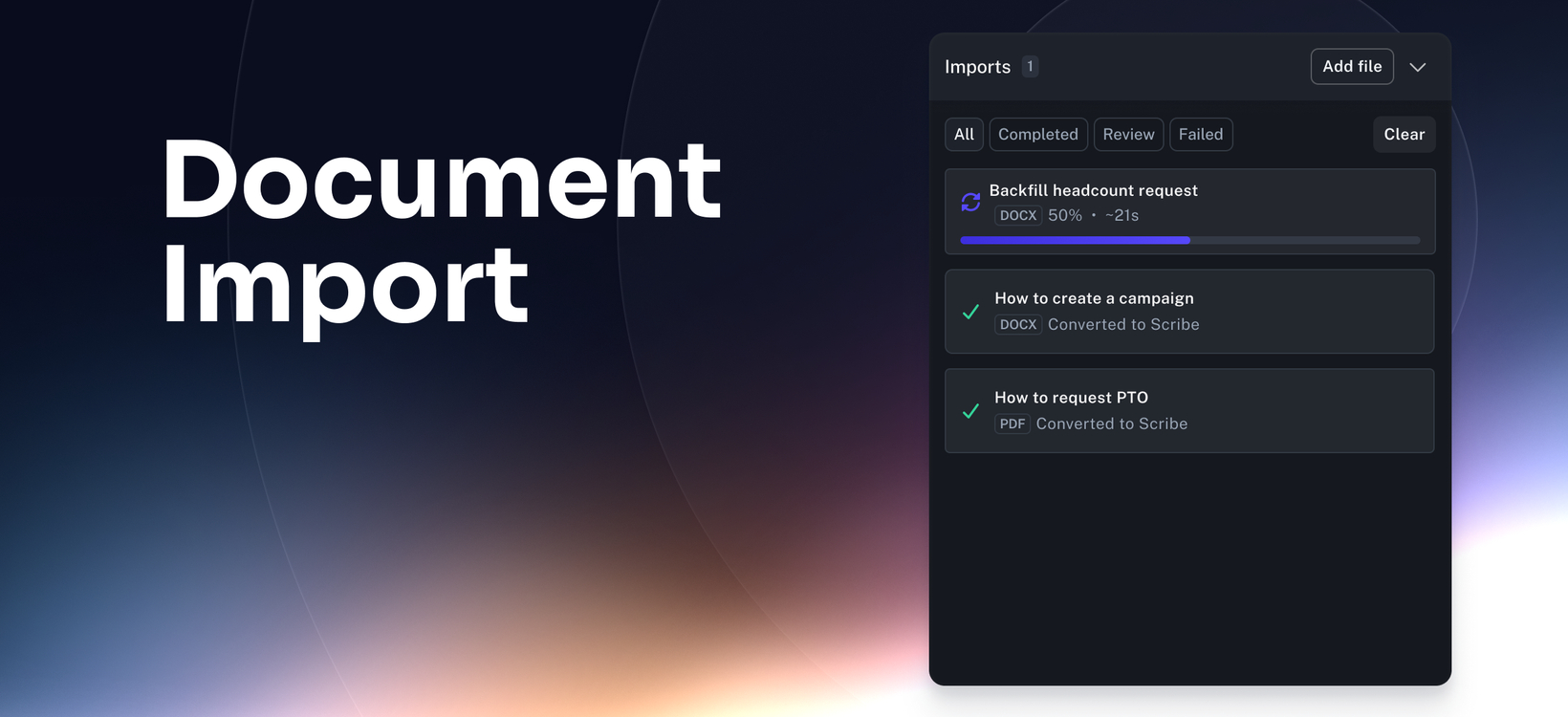
Document import turns existing docs into usable Scribes
What’s new
Document Import lets you upload existing PDF and Word files and turn them into editable Scribes or Pages, giving teams a faster way to move documentation into Scribe without rebuilding documentation from scratch.
How it works
Select Import from the New button in your Workspace, then upload one or more PDF or Word (.docx) files. Scribe converts each file into a new Scribe or Page that you can review, edit, and publish like other content in your workspace.
FAQ
Will the import be perfect?
Not always. Document Import is designed to give you a strong starting point, and you can make edits in Scribe after import.
Does this replace Capture?
No. Document Import helps you bring existing documentation into Scribe. Scribe Capture is still the best way to create new step-by-step guides as work happens.
What if my document needs cleanup after import?
You can update the imported Scribe or Page before sharing or publishing it. If Approval Workflows are enabled, imported documents follow the same approval process as other Scribe content before they can be published.
Can I use this for docs from other tools?
Yes. Document Import is useful when your team already has documentation in files you want to move into Scribe faster.