- DATE:
- AUTHOR:
- The Scribe team
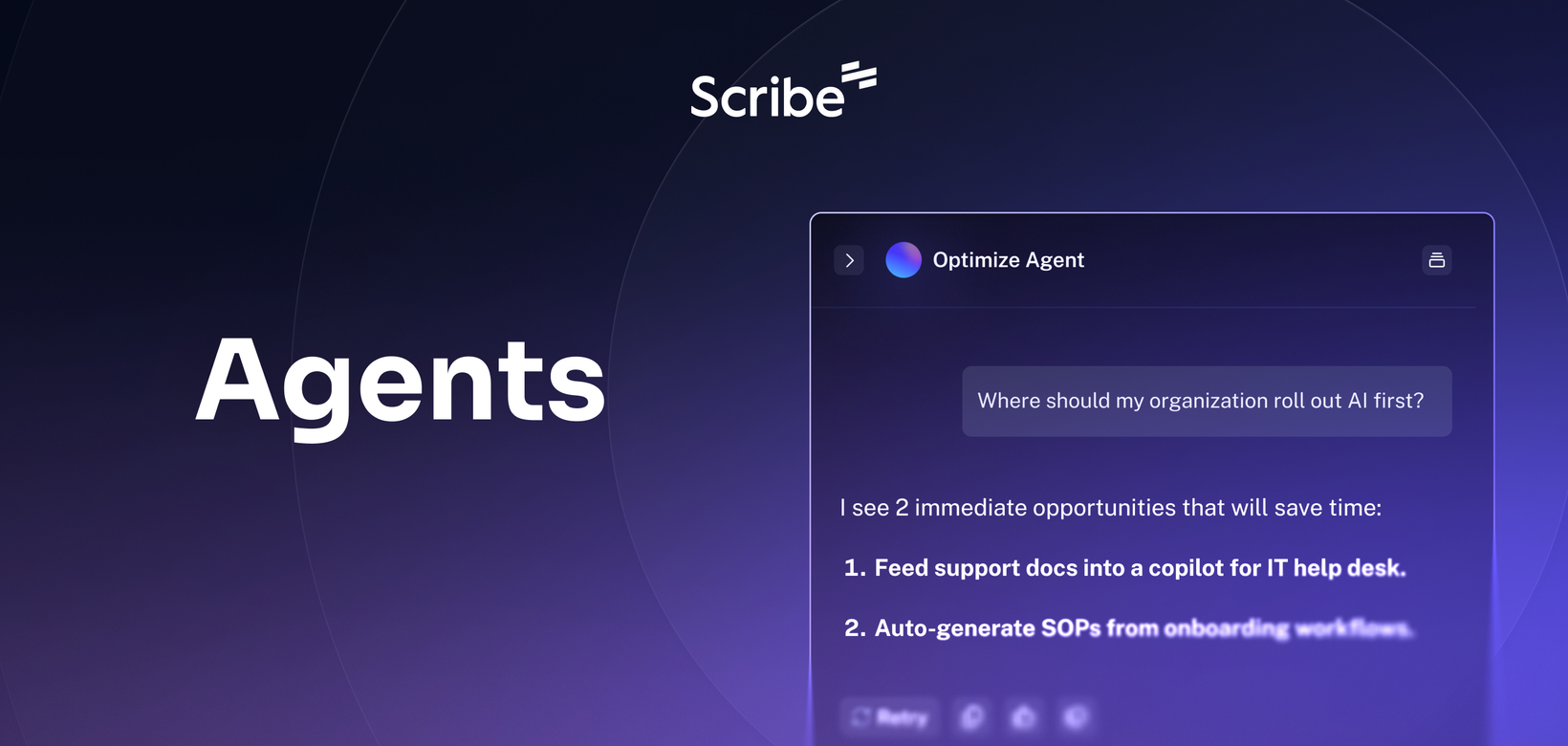
Ask anything about your workflows with Agents
What’s new?
Scribe Optimize now lets you ask questions about your workflow data in plain language. Instead of navigating dashboards to find what you need, you can type a question and get instant answers, process maps, and insights pulled directly from your real workflows.
How does it work?
In the Agents section, type a question like "Show me the top bottlenecks during onboarding." Agents query your workflows and return answers or generate process maps. You can refine your insights or dig deeper with follow-up prompts.
FAQs
Does this replace the existing Optimize UI?
No. Agents are an additional way to access your data. All existing views and dashboards are still available.
What can I ask the agent?
You can ask any question about your workflows or the underlying data. That includes generating process maps, surfacing bottlenecks, identifying automation opportunities, and running custom analysis.
Is there version control?
Yes. Each interaction generates an edit and creates a new version. You can roll back to any version at any time.
Which plans support Agents?
Agents are included in all Optimize plans at no additional cost. For more information on Optimize, visit scribe.com/optimize.