- DATE:
- AUTHOR:
- The Scribe team
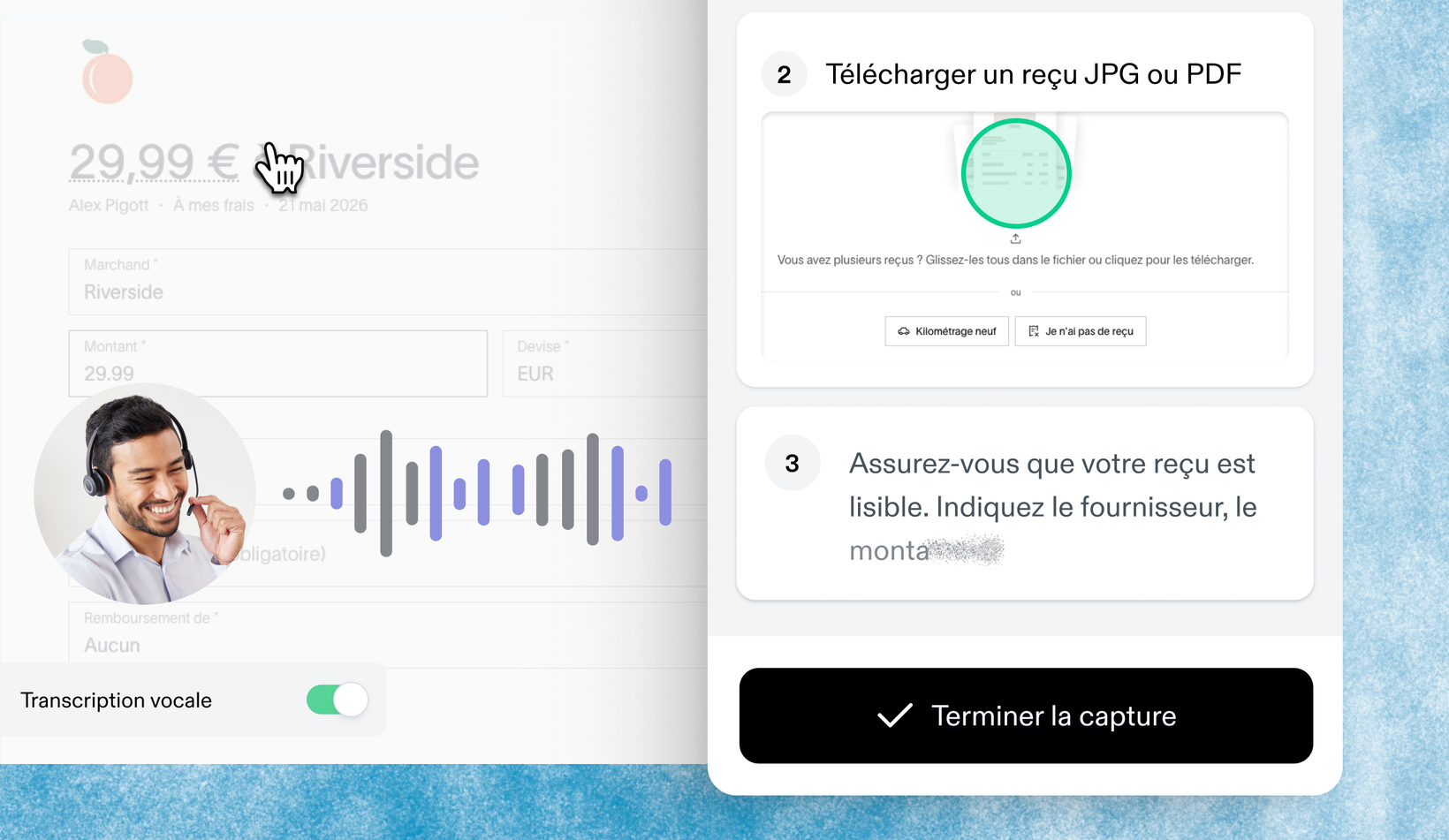
Capture context in your language, now in 5 additional languages
What’s new?
Voice transcription now works in Spanish, French, German, Italian, and Portuguese — so your global teams can capture all the context they need to follow workflows accurately, without typing an extra word. Simply speak as you create your Scribe, and watch your words transform into step-by-step written instructions in your language. Available to Pro and Enterprise users.
How does it work?
Before you capture a Scribe, toggle on "Voice transcription." Then speak out loud in your language as you walk through your workflow — Scribe automatically detects your language and transcribes your words to the corresponding step. When you finish, you have a complete step-by-step guide in your language, with all the context included.
FAQs
What languages are supported? Spanish, French, German, Italian, and Portuguese — plus English, which was already supported.
Do I need to select my language before I start? Nope! Scribe automatically detects the language you're speaking. Just toggle on voice transcription and start capturing.
What if I want to edit the transcription later? You can always edit any text in your Scribe, including transcribed instructions. After you finish capturing, click Edit to make changes.