- DATE:
- AUTHOR:
- The Scribe team
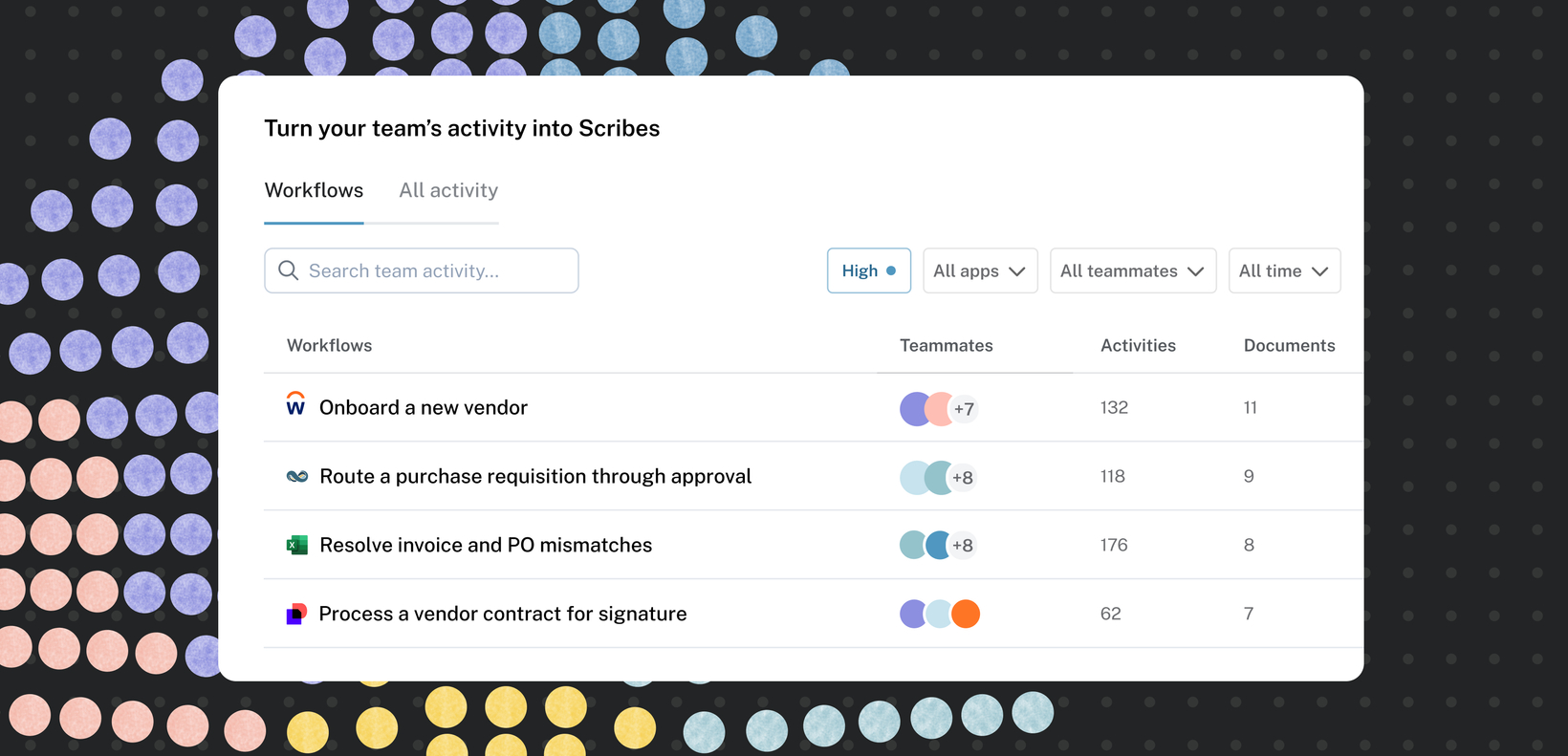
Capture workflows automatically with Autocapture, no pressing start or stop.
What's new?
Autocapture surfaces how work actually happens across your approved business apps and turns it into structured, ready-to-review Scribes and Pages. No one has to press start or stop. You see the full picture of the workflows your teams run, decide what's worth documenting, and publish in just a few clicks. The result is a living library of guides your people can follow and your AI agents can be grounded in.
How does it work?
Choose your scope. Admins pick the teams and business applications where visibility is needed. Activity outside those apps is never captured.
Work as usual. Nobody has to stop what they're doing to create an SOP. Scribe captures workflows as they happen and maps them into step-by-step processes. Individuals see their own key work in My Activity, and admins see workflows across the team in Team Activity.
Review, edit, publish. Decide what's document worthy, make your edits, and share it with your team. Nothing publishes without a human review first, and everyone can delete any activity from all views.
FAQs
How is Autocapture different from capturing using the browser extension?
Target capture documents a specific process you start and stop recording yourself. Autocapture surfaces the workflows your teams already run, so you can turn them into guides without waiting for someone to sit down and record.
What does Autocapture capture?
Screenshots, clicks, and text entered, only within the apps your admin has approved. No audio or video is recorded, and secure fields like passwords and payment entry are automatically muted.
Is sensitive information protected?
On Enterprise, Smart Privacy Screen automatically redacts 150+ categories of PII, PHI, and payment data, with no end-user action needed. On Pro Team, manual redaction with Smart Blur is available before sharing.
What if Autocapture surfaces a workflow that isn't the best way to do something?
Autocapture documents how work is actually happening today. A reviewer can edit it, swap in a different example, or discard it. To find where processes could improve, check out Optimize.
How does Autocapture protect my team's privacy?
Activity on Enterprise plans is shown with a pseudonym instead of a name and admins can turn this off at the org level if needed. On Pro Team, Admins have to request to create a guide from a teammate's activity. Only recurring work patterns are ever surfaced: a one-off action or personal detour is filtered out automatically, so it never becomes part of a workflow or shows up in a guide. Every guide goes through human review before it publishes, so nothing goes live automatically. And every participant has full control to delete their own captured activity at any time.