- DATE:
- AUTHOR:
- The Scribe team
Customize click target shapes for clearer guides
What’s new?
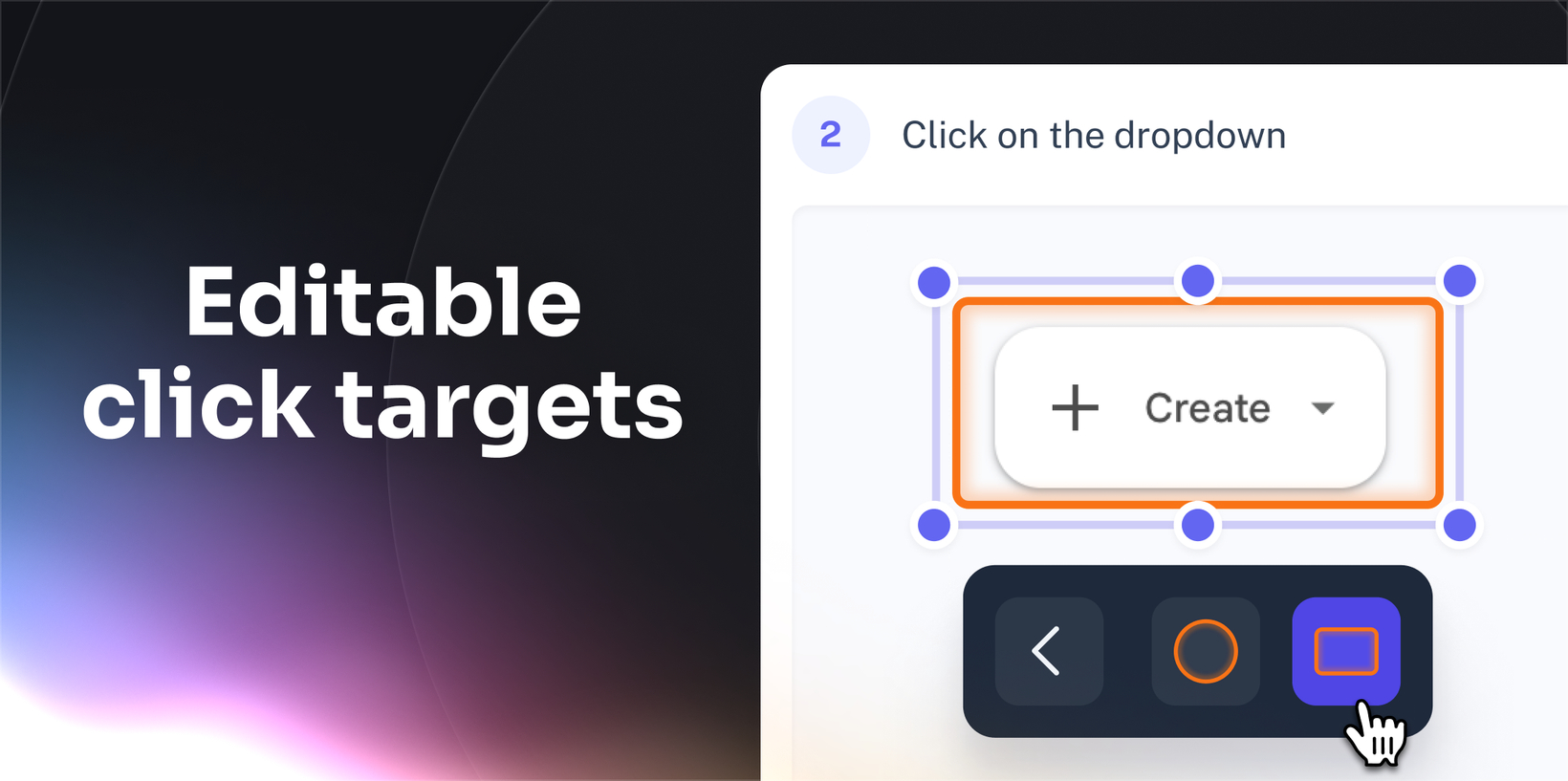
Scribe now lets you change the shape of click targets, so highlights match the buttons, fields, and menus on screen. Instead of always using a circle, you can choose a shape that fits what you’re pointing to, making guides feel clearer and more natural.
How does it work?
When you’re editing a step, select the click target directly on the screen. From there, you can change its shape, resize it to fit the UI better, and, as always, adjust the color.
FAQs
Can I enable this for my entire team or account?
Not yet. Click targets can only be edited within a Scribe.
Does this change the whole Scribe?
No. It only applies to the step you edit. Other steps stay the same.
Which plans support editable click targets?
Click target editing is available to Scribe customers on Pro and Enterprise plans. For more information, click here.