- DATE:
- AUTHOR:
- Scribe Team
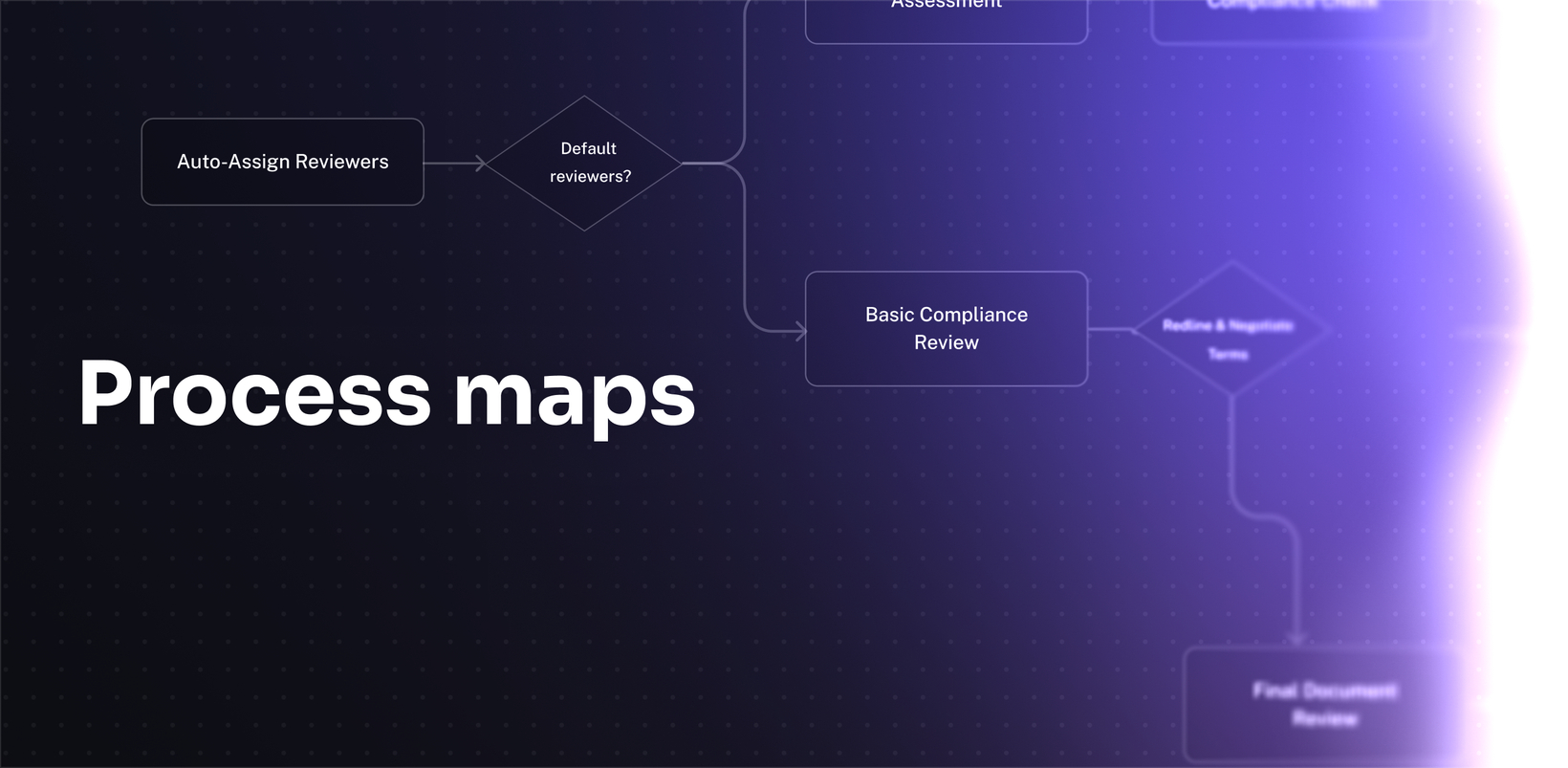
Generate process maps from any workflow
What’s new?
You can now ask any Agent in Optimize to generate a process map from your workflow data. Agents create a BPMN-style map directly in the conversation, so you can visualize any process instantly without leaving Optimize or building diagrams from scratch.
How does it work?
In any Agent conversation, ask for a process map of a specific workflow (e.g., "Show me a process map for onboarding”). The Agent generates a visual, BPMN-style diagram you can iterate on by chatting, then export to PDF or BPMN XML 2.0 when it's ready.
FAQs
Is this a full BPMN editor?
No. Agents only generate BPMN-style maps from your data and let you iterate through chat.
Do I have to recreate a process map when my session ends?
No. Each Agent conversation remembers what you've asked, what you've built, and where you left off.
Can I edit the map visually?
In this version, you iterate through chat.
What export formats are available?
You can export process maps to PDF, and BPMN 2.0 XML for import into Visio or other tools.
Which plans support process maps?
Process maps are included in all Optimize plans at no additional cost. For more information, visit scribe.com/optimize.