- DATE:
- AUTHOR:
- The Scribe team
Let your organization tell you what documentation they need
What’s new?
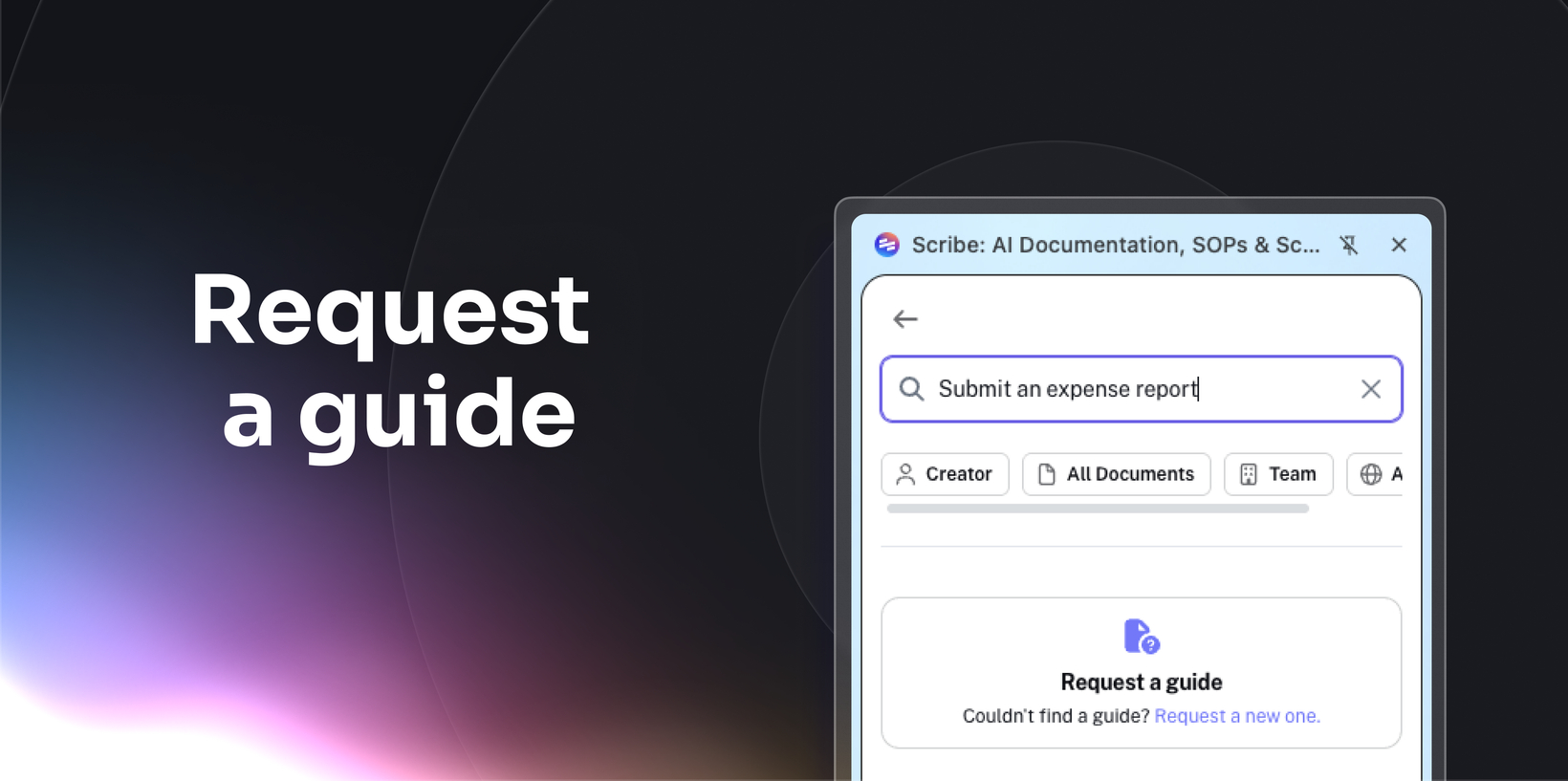
Scribe now lets creators and viewers request documentation directly in-product when they can't find what they need. Instead of direct messaging creators or submitting tickets through a different system, viewers can tell the right person what's missing. Requests go to the relevant creator, so your team knows exactly what to document next.
How does it work?
Search for a Scribe in Sidekick or Workspace search. If there's no match, click "Request a Scribe" and fill out a short form with the topic, tool, and an optional assignee. The request appears in the creator's queue in Tasks. Once the creator publishes a new Scribe or links an existing one, the requester is notified and can access it immediately.
FAQs
Who can submit a request?
Any authenticated user on Pro Team plans and above.
Can a request be fulfilled with an existing Scribe?
Yes. Creators can link an existing Scribe instead of creating a new one.
Does this work without the browser extension?
Sidekick entry points require the extension. Workspace-based entry points work for any authenticated viewer.
Which plans support Request a Scribe?
Request a Scribe is available on Pro Team and Enterprise plans.