- DATE:
- AUTHOR:
- The Scribe team
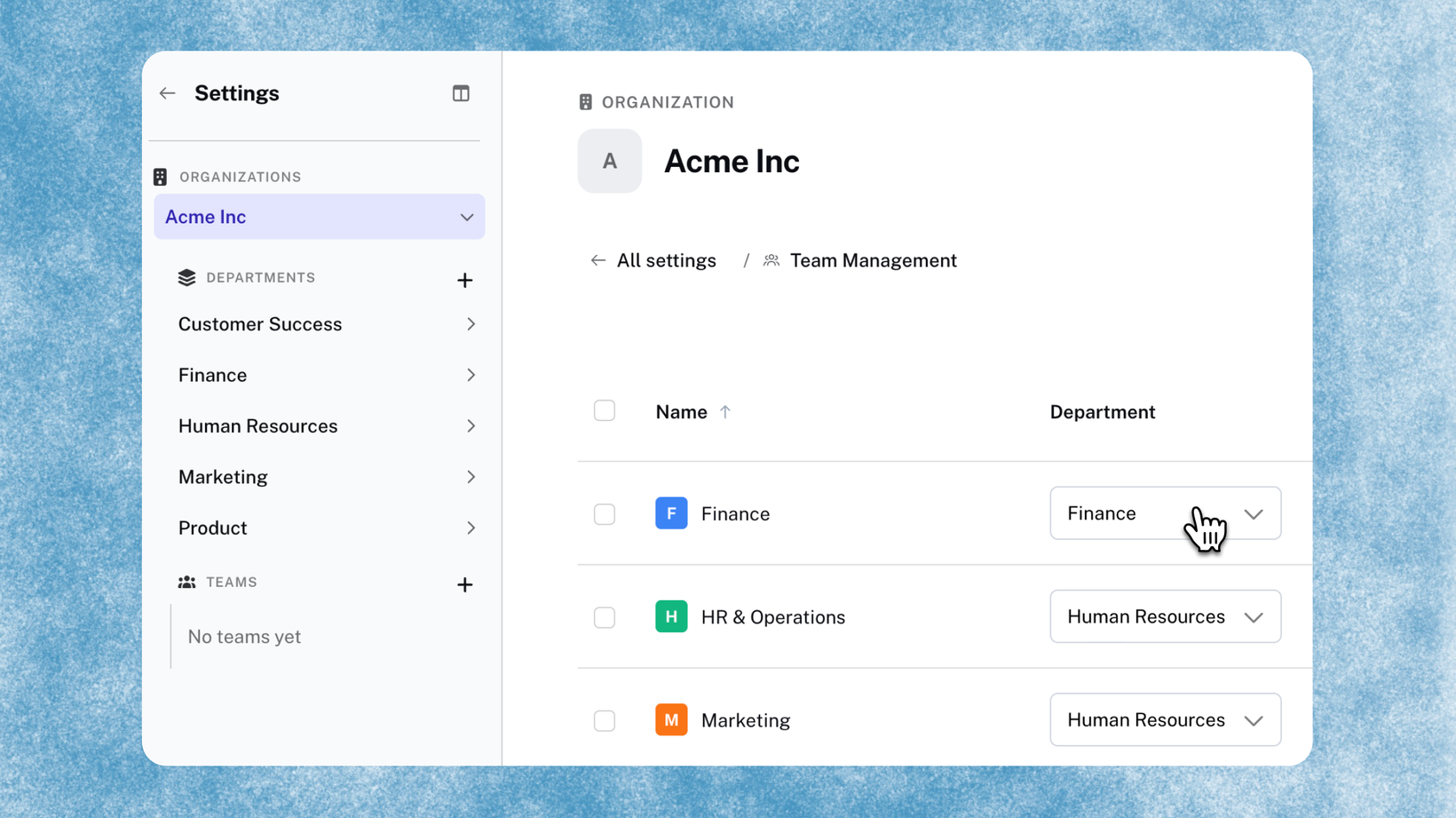
Organize your teams into Departments
What's new?
Departments let Global admins group teams into named organizational units (think groups like Finance, EMEA, or Customer Success) and share Scribes or Pages with an entire department in one click instead of selecting teams one by one. Available on Global.
How does it work?
In settings, admins create Departments and assign each team to one. Departments show up in the Team Directory and the Team Management table, so admins get a real view of how the org is structured instead of a flat team list. To share, select a Department in the Share dialog and the content will automatically appear in the shared library for that group.
FAQs
What is a Department? An optional organizational grouping above teams. Admins create Departments, assign teams to them, and creators can share content with an entire Department at once.
Which plans have access? Departments are available on Global only.
Who can create and manage Departments? Admins only.
How do I share with a Department? In the Share dialog, select the Department you want to share with. The Scribe or Page automatically appears in the Shared folder of every team in that Department.
Can a team belong to more than one Department? No. Each team can only belong to one Department.
Does this replace multi-team sharing? No. Multi-team sharing lets you select specific teams individually. Departments let you share with a whole group at once. Both options are available in the Share dialog.