- DATE:
- AUTHOR:
- The Scribe team
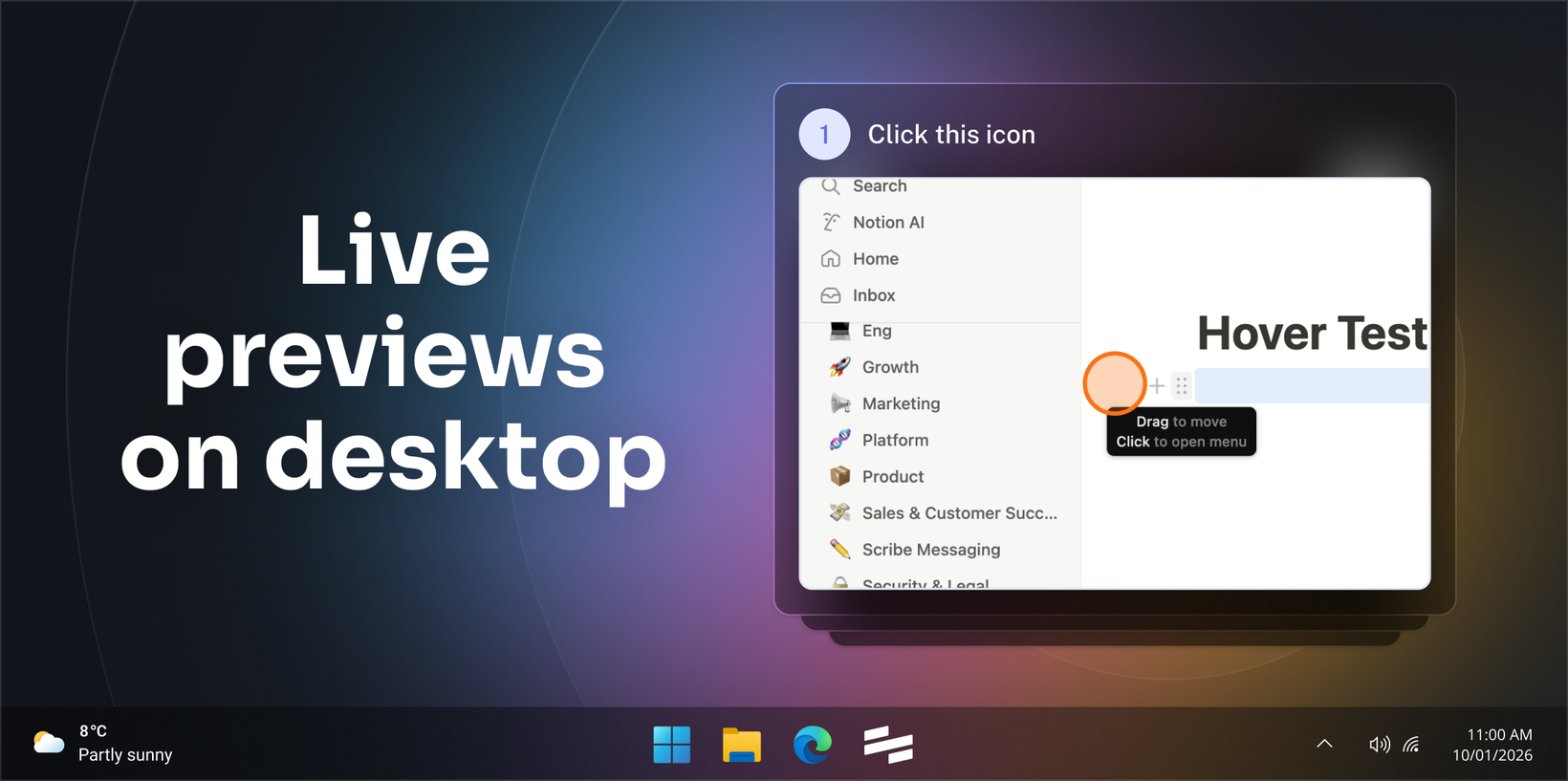
Preview your guide live as you capture on desktop
What’s new?
Scribe now shows you a live preview of your guide while you’re capturing it in the Scribe desktop application. As you work, each screenshot and step description appears instantly, making it easier to notice missing steps or mistakes before you finish capturing.
How does it work?
Start capturing your workflows like you normally do. Screenshots and step text will appear instantly as you work. In the live preview, you can switch between single-step and multi-step views, or delete a step if something looks off. Click “Complete” when you’re finished.
FAQs
Does live preview change how Scribe captures steps?
No. Capturing works the same as before. Live preview only shows your screenshots and step text as they’re created.
Can I turn off live preview?
You can’t disable it, but you can close the preview window at any time.
Is live preview available on Mac and Windows?
Yes, on both.
Why can’t I see it right now in my current desktop app?
Live preview requires the latest version of the Scribe desktop app (version 5.12.17 or newer). Here are Scribes on how to update to the latest version for Windows and Mac.
Which plans support live previews on desktop?
Desktop capture is available to Scribe customers on Pro and Enterprise plans. For more information, click here.