- DATE:
- AUTHOR:
- The Scribe team
All Plans
Switch between light, dark, or system modes
DATE:
AUTHOR:
The Scribe team
What's new:
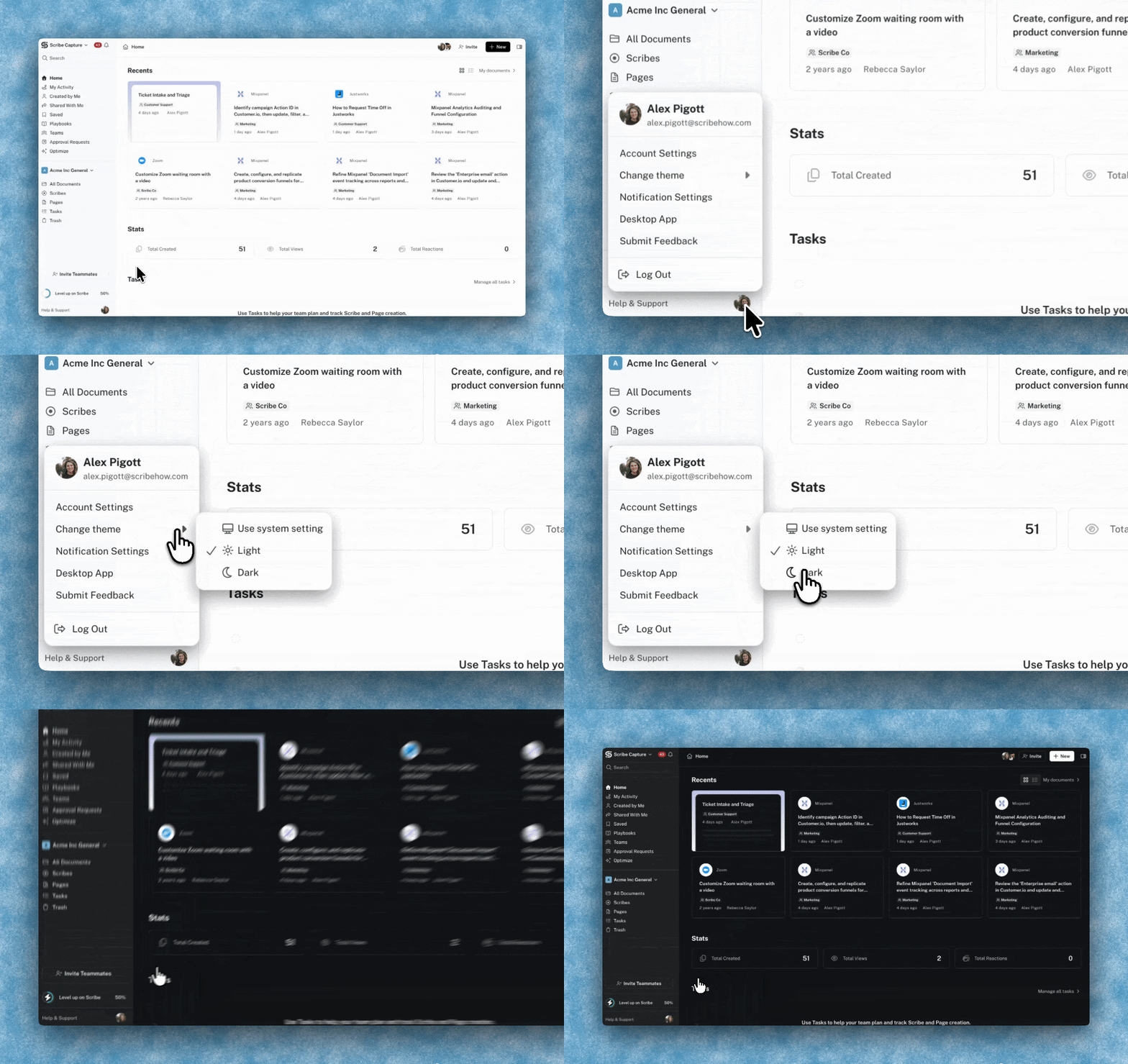
You can now choose how Scribe looks. Pick light mode, dark mode, or let it follow your OS system preferences.
When we redesigned Scribe's visual system, we wanted it to reflect how work actually happens: at your desk in the morning, on a plane at night, in a bright office or a dark room. Light, dark, and system modes bring that same thinking to how you use the app: clarity wherever you're working, whenever you're working.
How it works:
Click your avatar (bottom left corner) → Appearance → pick Light, Dark, or System.
FAQs
Why does the app look a little different now beyond the theme switch?
Alongside the theme switcher, we refreshed some of the underlying colors and visual details across the app. This shipped bundled with it.