- DATE:
- AUTHOR:
- The Scribe team
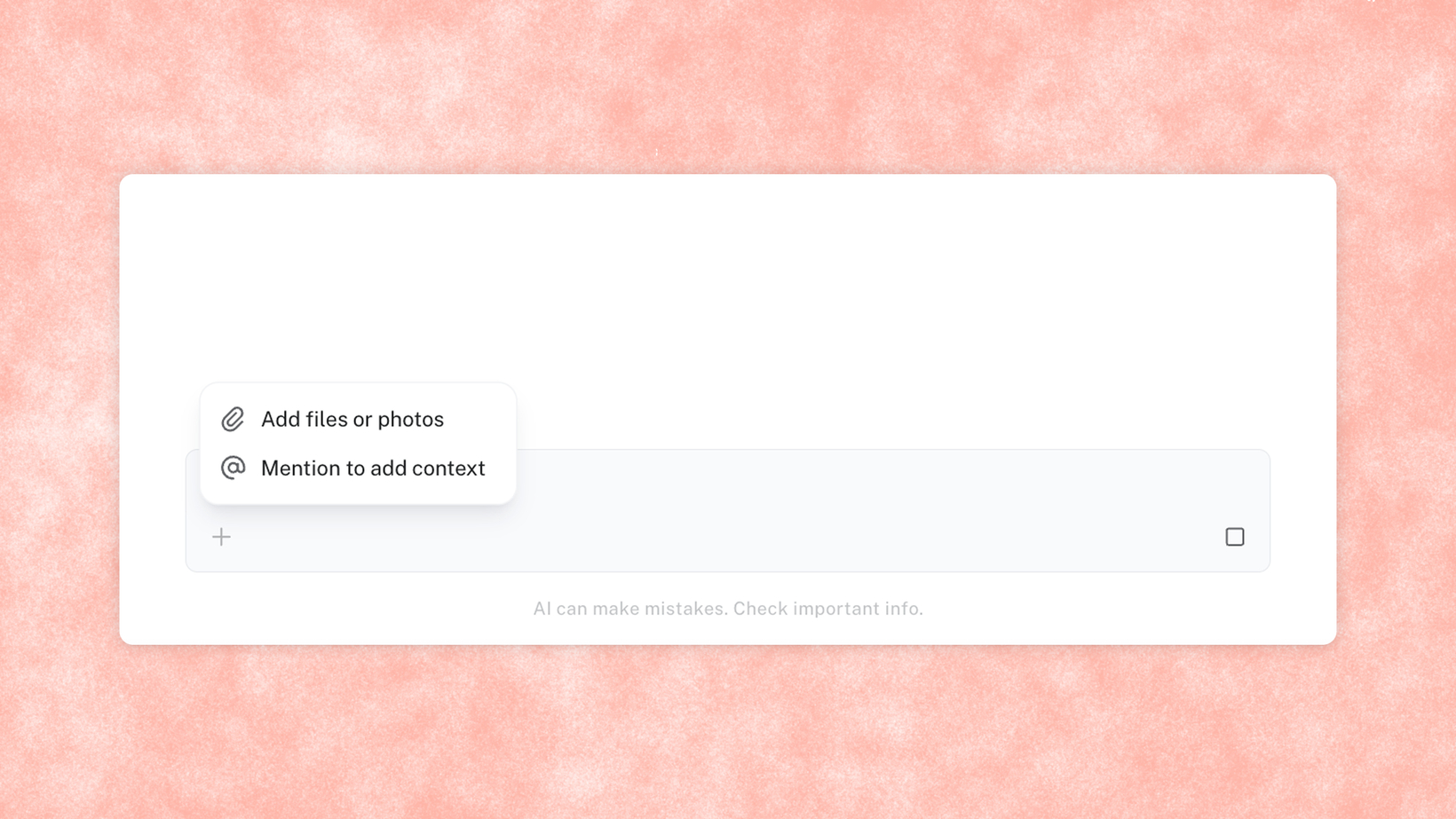
Upload files directly into agent chat
What's new?
Upload files — txt, md, pdf, images, docx, and Excel — directly into Optimize Agent Chat as additional input alongside your prompt.
How does it work?
You can now upload files directly into Optimize agent chat as additional input alongside your prompt. Instead of retyping your SOPs, spreadsheets, or docs into chat, just add the files themselves. The agent uses that context together with your prompt, so answers are more accurate and rooted in how your business actually works.
FAQs
What file types can I upload? Txt, md, PDF, images, docx, and Excel files.
Who has access to this? Available to all Optimize customers
Do I need to do anything differently to use it? No — drag and drop a file into Agent Chat alongside your prompt, same as you would normally chat with the agent.